





Contact
Got questions about Holiday? — We’re here to help!
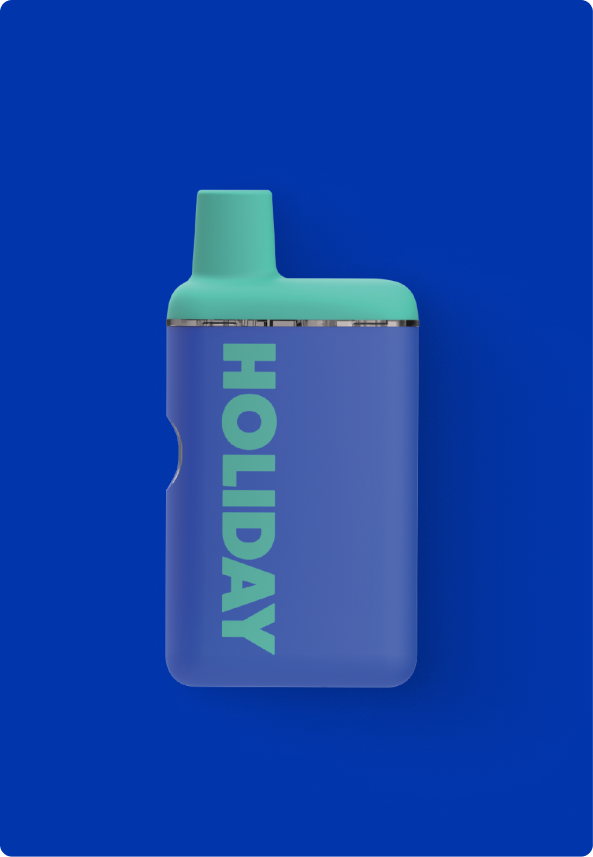
If you're experiencing issues with your H-bar, the first step is to fully charge it on a secondary power source (ex. laptop or portable charger) — 30 minutes should do the trick! Avoid plugging your device directly into a wall, "fast-charging" blocks or power strips, as these provide too much power and could affect battery life. Fortunately, our devices have a battery failure rate of less than 1%, but occasional malfunctions can happen. In most cases, your dispensary will gladly exchange a full, non-working device for a new one with receipt and packaging in hand.
Trying to navigate the functions of H-bar PLUS? Click the button five times to turn the device on and off, and hold the button to take a hit. If the button is GREEN, the device is fully charged. If it is YELLOW, the device is half-charged. If the button is RED, please recharge the device with a USB-C cable.
Click the Where to Buy tab in the top right corner to find one near you.
